How do I enforce minimum necessary PHI disclosure across agency roles?
Configure granular permission roles for recruiters, dispatchers, and billing specialists to enforce HIPAA "Minimum Necessary" data standards.
To configure HIPAA-compliant RBAC in YourMedSoft, navigate to Admin > Roles & Permissions, create or edit a role (e.g., Recruiter, Dispatcher, Billing Specialist), and toggle specific permissions. This restricts recruiters from seeing billing margins and billing staff from viewing sensitive clinical records.
What You Need Before Starting
- Master Administrator credentials.
Clinical & Regulatory Compliance Standards
- Strictly adheres to HIPAA Security Rule 45 CFR § 164.312(a)(1) Access Control requirements.
Step-by-Step Instructions
Open Roles & Permissions Manager
Go to Admin > Roles & Permissions from the left sidebar navigation.
Select Role to Edit
Choose an existing role (e.g. Staffing Coordinator) or click "Create Custom Role".
Automate Your Healthcare Staffing Operations
YourMedSoft unifies scheduling, GPS time tracking, credentialing, and facility invoicing into one modern platform for healthcare agencies.
Configure Module Access Toggles
Toggle read, create, edit, and delete permissions across Scheduling, Credentials, Invoicing, Payroll, and Audit Logs.
Restrict Sensitive PHI and Financial Margins
Ensure non-administrative staff have "View Gross Margin" and "View Sensitive Medical Records" toggled off.
Save Role and Assign Users
Save the role profile. Team members assigned to this role immediately inherit the updated permission boundary.
Pro-Tips & Best Practices
- Enforce the HIPAA "Minimum Necessary" rule: staff should only access the data strictly required to perform their daily duties.
Troubleshooting & Operational Edge Cases
Issue: Staff member unable to view shift schedule
Operational Resolution: Check the user’s assigned role in Admin > Users to ensure the Scheduling > View permission is enabled.
Frequently Asked Questions & Troubleshooting
Does the system track whenever an administrator changes user permissions?
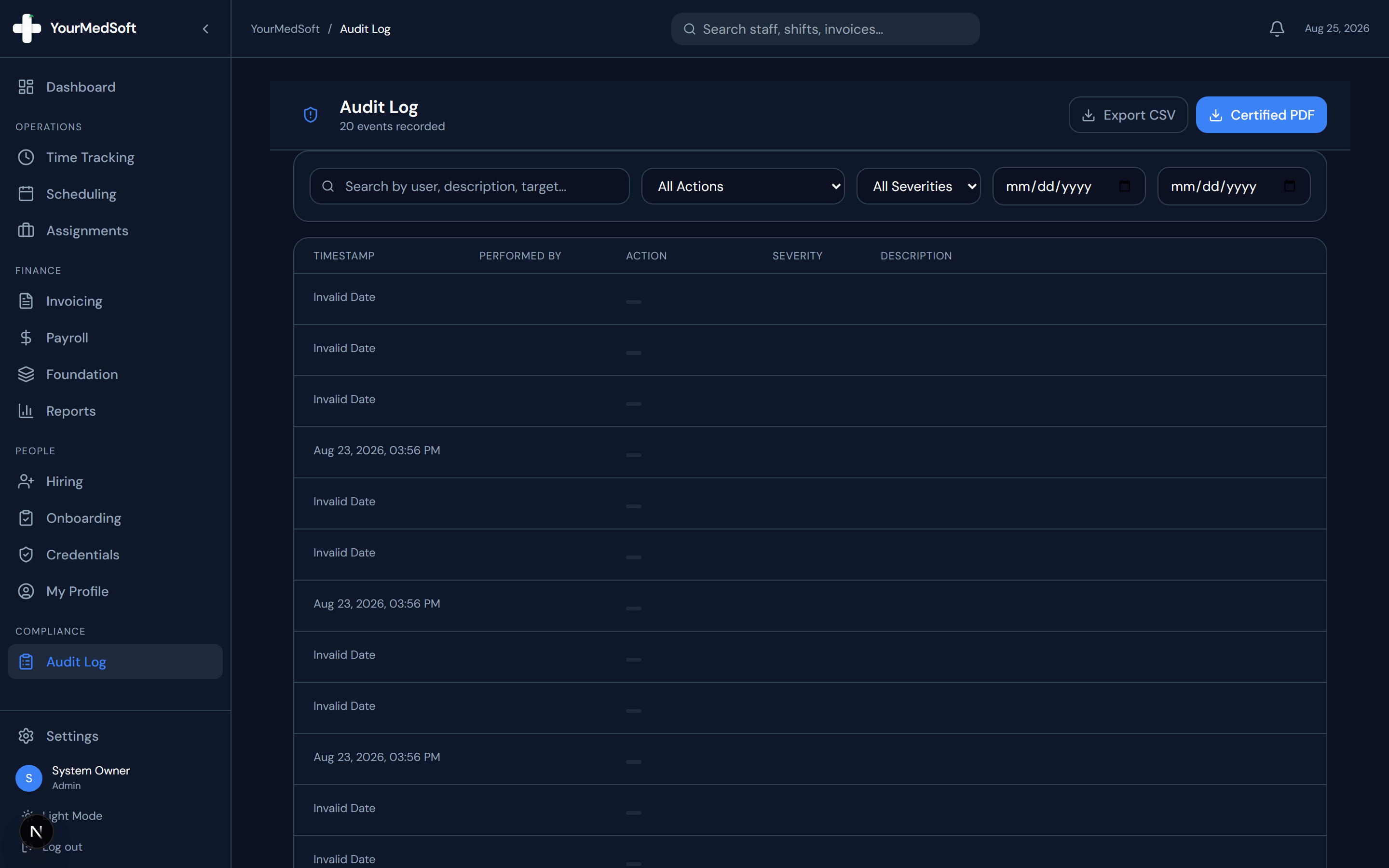
Yes. All permission changes and role reassignments are recorded in the immutable audit log with administrator user ID, IP address, and timestamp.
Was this guide helpful?
Your feedback helps us continuously improve our documentation.
Recommended for Administration & Roles
Healthcare Facility Master Services Agreement (MSA)
Attorney-reviewed contract covering HIPAA data security, indemnification, and compliance.
41+ State eNLC Compact License Map
Compact nursing license verification reference for clinical compliance directors.
Per Diem Registry Platform
Role-based access controls, immutable audit logging, and automated compliance gates.