
How do I review audit logs and export certified compliance reports?
Track immutable security logs for logins, shift approvals, compliance overrides, and export certified PDF audit reports for health inspections.
In YourMedSoft, to review audit logs and export certified compliance reports requires navigating to Administration & Roles in the portal, selecting the appropriate record or facility, and executing the validated workflow steps. The platform continuously validates clinical credentials, checks compliance matrices, and logs all actions to an immutable audit trail.
What You Need Before Starting
- Admin role permissions.
Clinical & Regulatory Compliance Standards
- Conforms to The Joint Commission (HCSS) clinical staffing standards.
- Maintains HIPAA-compliant data encryption and audit logging.
- Enforces state Board of Nursing licensure and clinical scope-of-practice rules.
Step-by-Step Instructions
Open Audit Log
Click "Audit Log" in the left sidebar menu.
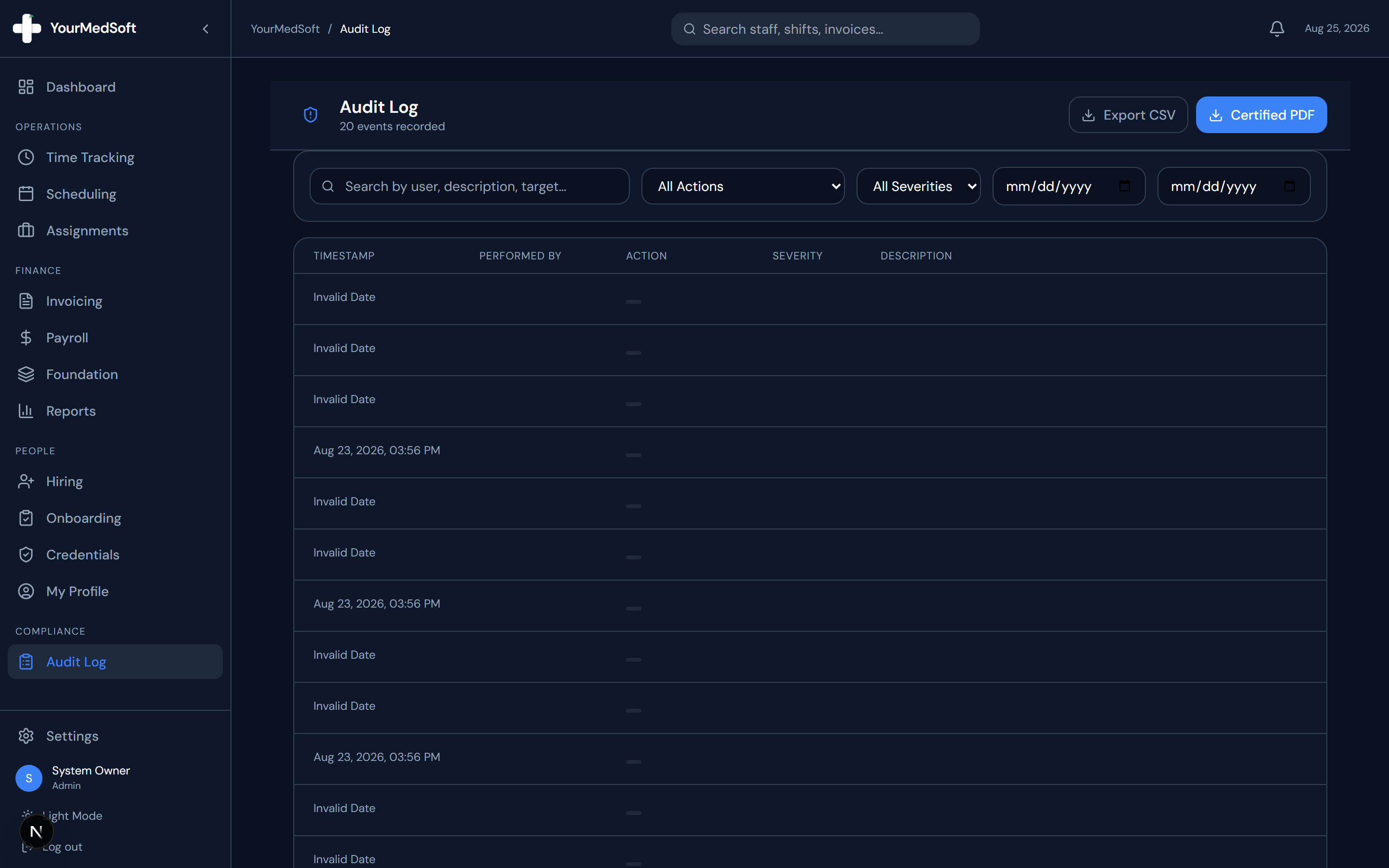
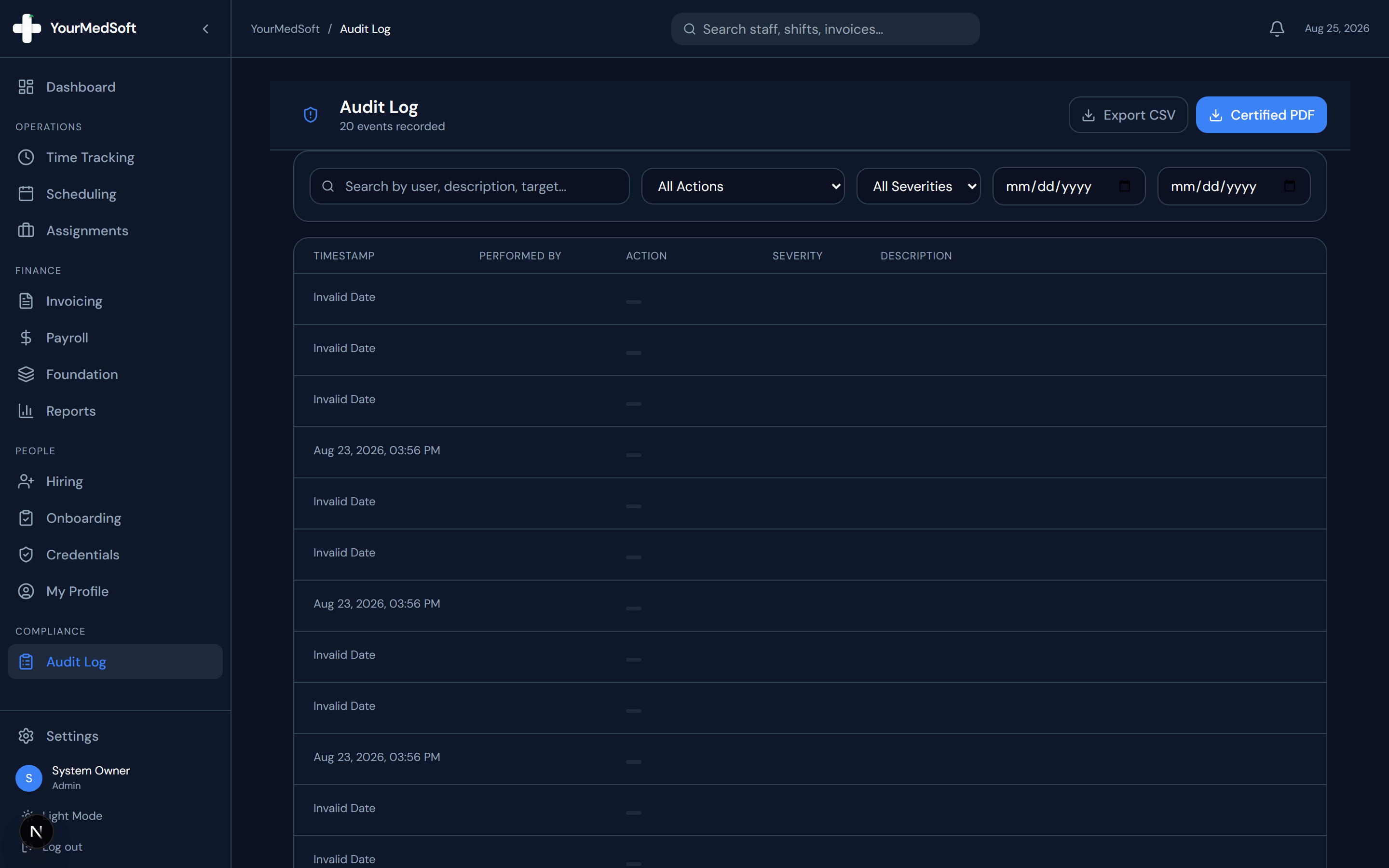
Audit log ledger recording immutable security events, compliance overrides, and certified export options.
Filter Audit Events
Filter events by date range, action type (e.g., shift_approved, compliance_override, user_login), severity level (Info, Warning, Critical), or actor.
Automate Your Healthcare Staffing Operations
YourMedSoft unifies scheduling, GPS time tracking, credentialing, and facility invoicing into one modern platform for healthcare agencies.
Inspect Specific Log Entries
Click on any row to open the Audit Detail modal displaying full metadata, IP address, user agent, target IDs, and exact before/after diffs.
Export Certified Compliance PDF
Click "Export PDF" in the header. The system generates a landscape, tamper-evident audit report with certified signature blocks formatted for Joint Commission or state regulatory audits.
Export CSV for Data Analysis
Click "Export CSV" to download the raw event logs for import into external SIEM or business intelligence software.
Pro-Tips & Best Practices
- Audit log entries are system-generated and immutable — they cannot be edited or deleted by any user account.
Troubleshooting & Operational Edge Cases
Issue: Assignment or Action Blocked
Operational Resolution: Verify that all prerequisites and credential requirements are satisfied before requesting an Admin override.
Issue: Notification or Alert Delay
Operational Resolution: Check the clinician profile contact details to ensure SMS and email alert preferences are enabled.
Frequently Asked Questions & Troubleshooting
How long are audit logs preserved?
Audit records are permanently preserved to meet healthcare compliance and regulatory retention standards.
Was this guide helpful?
Your feedback helps us continuously improve our documentation.
Recommended for Administration & Roles
Healthcare Facility Master Services Agreement (MSA)
Attorney-reviewed contract covering HIPAA data security, indemnification, and compliance.
41+ State eNLC Compact License Map
Compact nursing license verification reference for clinical compliance directors.
Per Diem Registry Platform
Role-based access controls, immutable audit logging, and automated compliance gates.