
How do I handle compliance warnings and admin overrides?
Understand automated compliance barriers, identify missing or expiring licenses, and learn when and how administrators can apply an override.
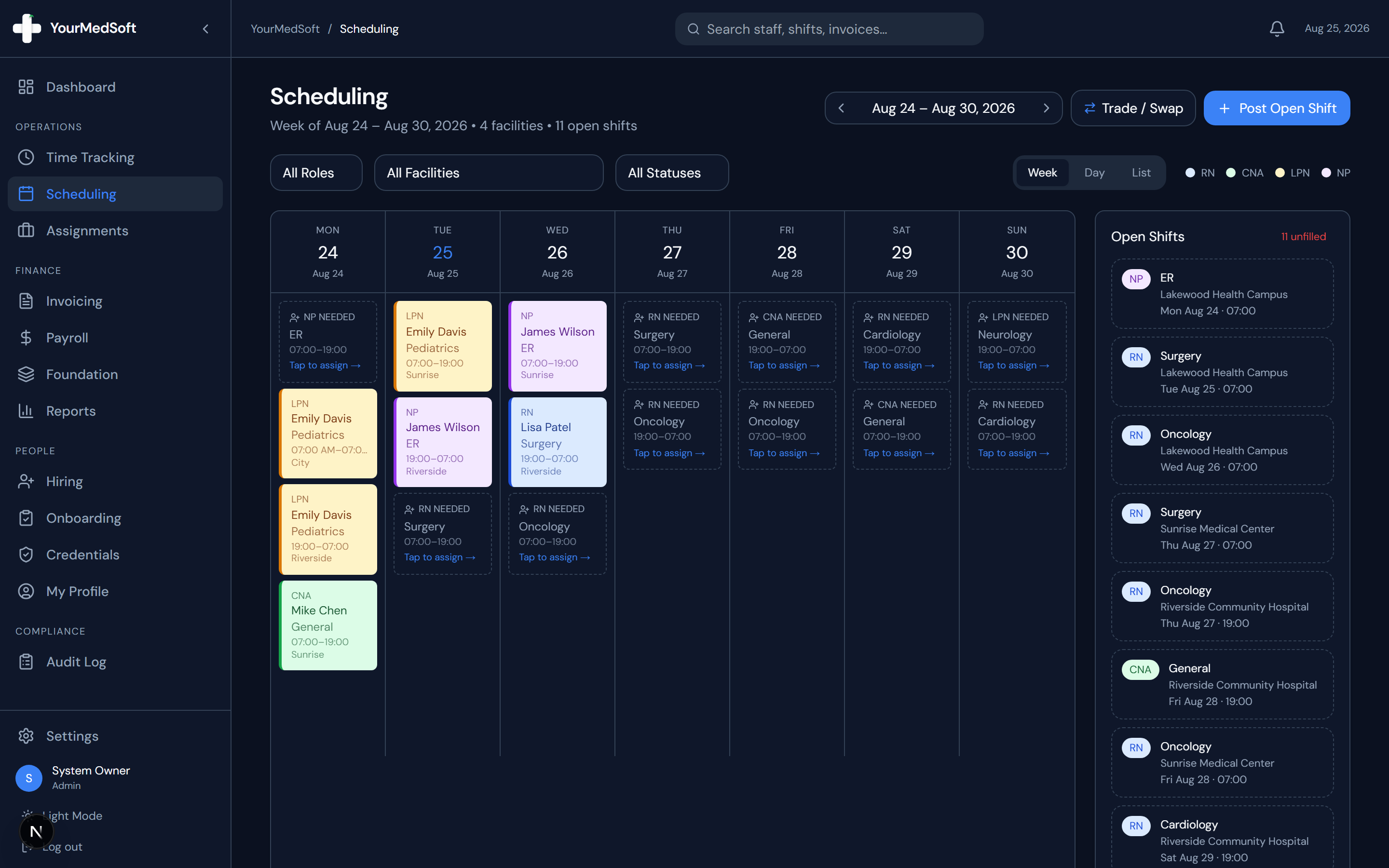
In YourMedSoft, to handle compliance warnings and admin overrides requires navigating to Shift Scheduling in the portal, selecting the appropriate record or facility, and executing the validated workflow steps. The platform continuously validates clinical credentials, checks compliance matrices, and logs all actions to an immutable audit trail.
What You Need Before Starting
- Admin or Coordinator permissions are required to perform compliance overrides.
Clinical & Regulatory Compliance Standards
- Conforms to The Joint Commission (HCSS) clinical staffing standards.
- Maintains HIPAA-compliant data encryption and audit logging.
- Enforces state Board of Nursing licensure and clinical scope-of-practice rules.
Step-by-Step Instructions
Triggering the Evaluation
When assigning a shift, YourMedSoft checks the clinician’s uploaded licenses against the mandatory rules set for that clinical role.
Reviewing "At-Risk" Warnings
If a credential (such as BLS or State License) expires within 30 days, the clinician remains assignable, but a yellow banner lists the expiring documents so you can follow up with the worker.
Tired of Manual Shift Texts & Phone Trees?
YourMedSoft broadcasts open shifts to hundreds of pre-vetted, compliant nurses in under 60 seconds. Eliminate double-booking and fill vacancies instantly.
Understanding "Non-Compliant" Blocks
If a required credential is missing or already expired, the system flags the assignment as "Non-Compliant" in red and locks the Assign button to protect your agency against audit violations.
Applying an Emergency Admin Override
If you have verified the worker’s credentials through state registries or emergency waiver, check the "Override compliance block" box.
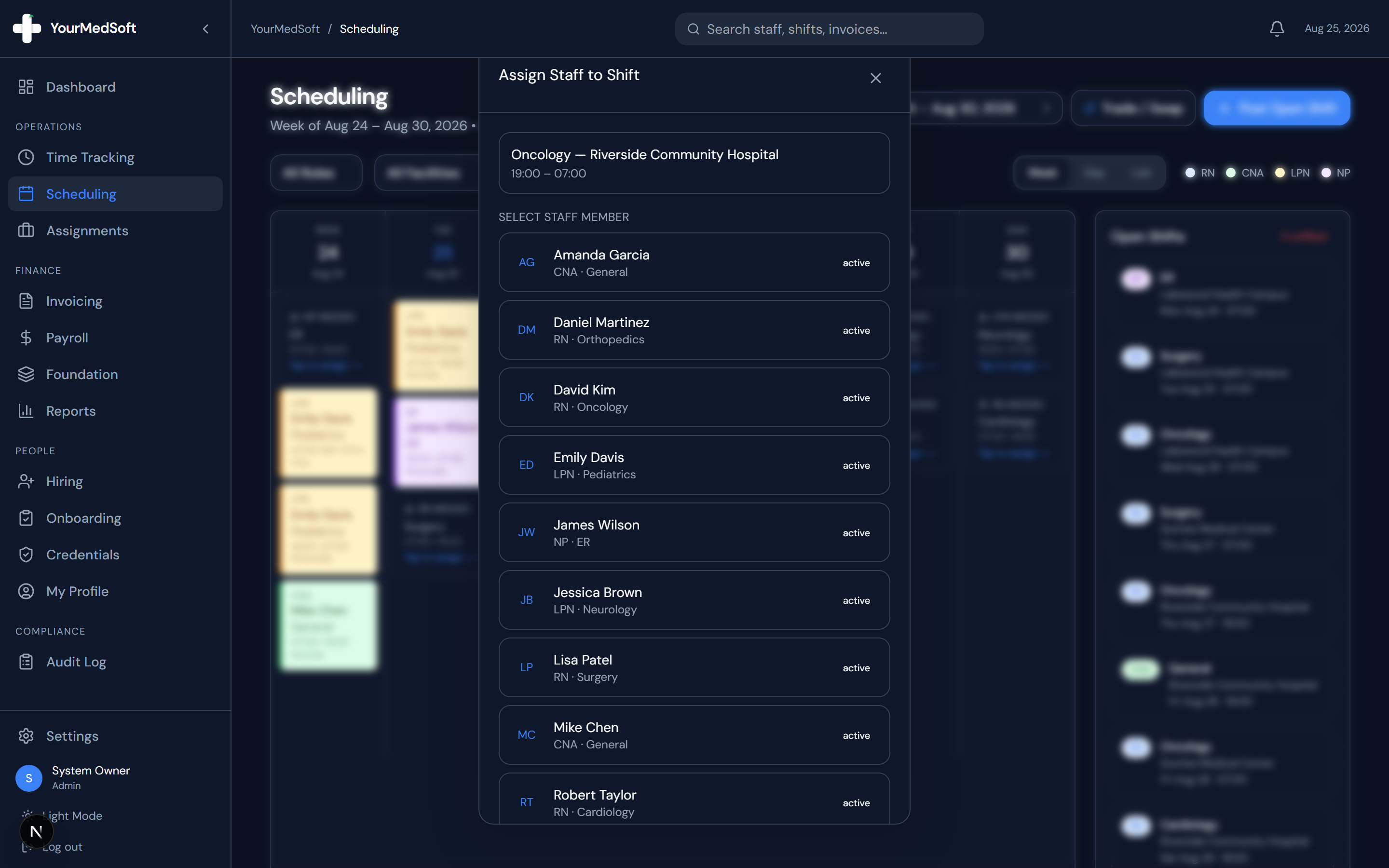
Scheduling compliance validation engine and shift assignment grid.
Documenting the Override Reason
Type a clear justification (e.g., "State license renewal confirmed on board portal, awaiting PDF upload"). This note is permanently written to the certified audit log.
Finalizing Assignment
Click "Assign". The shift will be placed on the schedule, and the audit log records who authorized the override.
Pro-Tips & Best Practices
- Always request updated credential uploads promptly through the Credentials tab to clear the warning permanently.
- Audit reports display all compliance overrides with timestamps and author IDs for Joint Commission inspections.
Troubleshooting & Operational Edge Cases
Issue: Assignment or Action Blocked
Operational Resolution: Verify that all prerequisites and credential requirements are satisfied before requesting an Admin override.
Issue: Notification or Alert Delay
Operational Resolution: Check the clinician profile contact details to ensure SMS and email alert preferences are enabled.
Frequently Asked Questions & Troubleshooting
Can regular staff members override compliance blocks?
No. Only users with the Organization Admin or Manager role have permission to check the override box.
Was this guide helpful?
Your feedback helps us continuously improve our documentation.
Recommended for Shift Scheduling
Travel Nurse Assignment Contract Template
Free 13-week assignment agreement with guaranteed hours clauses and hospital floating policies.
Gross Margin & Spread Modeler
Simulate clinician bill-to-pay spreads, overtime multipliers, and statutory employer payroll burden.
Per Diem Nurse Registry Platform
Broadcast open shifts, eliminate callout delays, and enforce automated credential gates.