How do I automate 2/10 Net 30 discounts or monthly late finance charges?
Incentivize prompt hospital payments by configuring 2/10 Net 30 terms and automated monthly late payment finance charges.
To configure early payment terms or late fees in YourMedSoft, navigate to Foundation > Clients, select the facility client, open Billing Terms, enable Early Payment Discount (e.g., 2% if paid in 10 days), and set Late Finance Charge (e.g., 1.5% per month past 30 days).
What You Need Before Starting
- Admin access to Client Billing Terms in Foundation setup.
Clinical & Regulatory Compliance Standards
- Conforms to statutory Prompt Payment Acts and state commercial usury rate limitations on late charges.
Step-by-Step Instructions
Open Client Profile Billing Terms
From Foundation > Clients, select the healthcare facility and click "Billing & Payment Terms".
Configure Early Payment Discount (2/10)
Check "Enable Early Payment Discount", enter discount percentage (e.g. 2%), and discount window (e.g. 10 days).
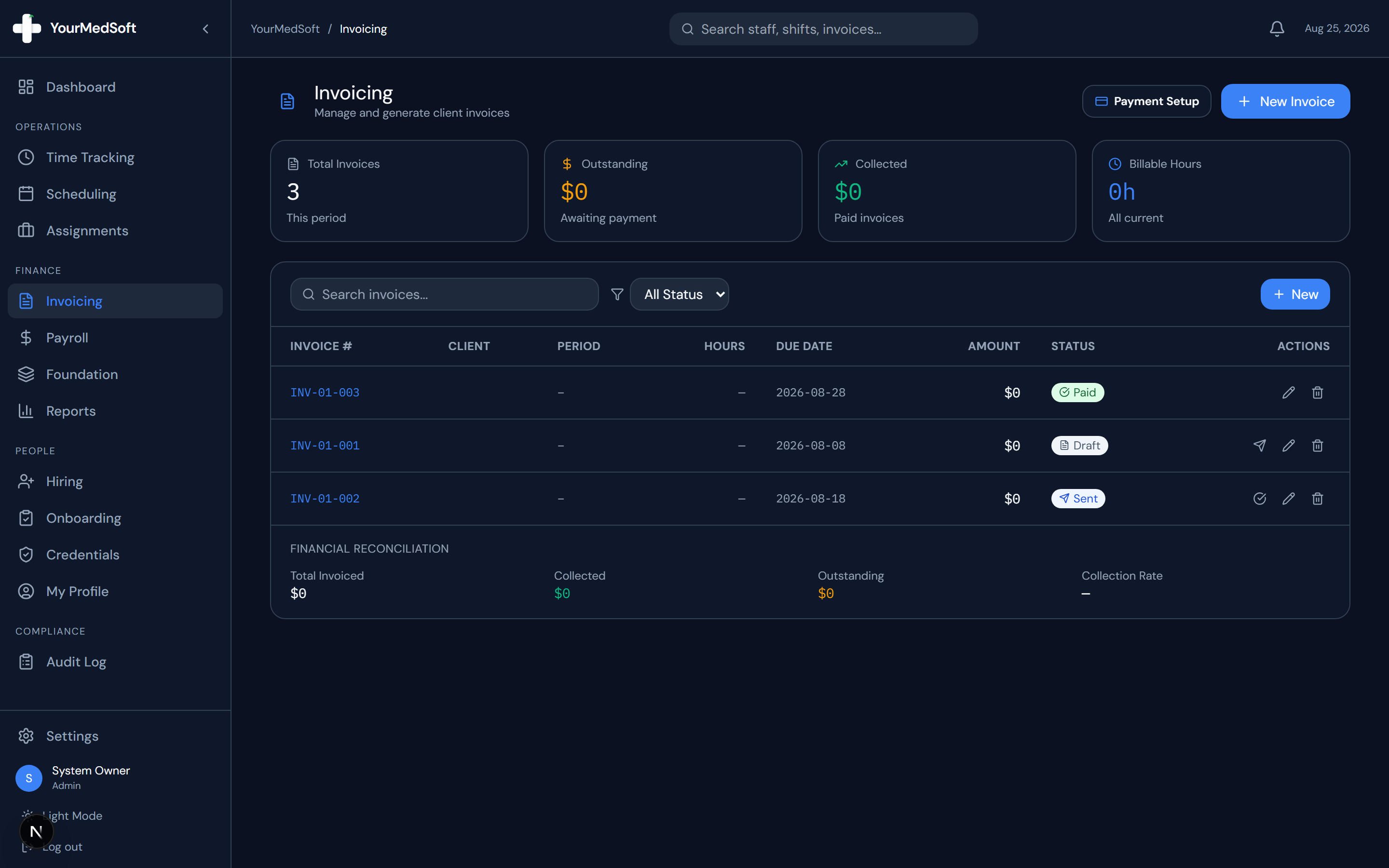
Turn Approved Timesheets into Invoices in 1 Click
Stop spending days reconciling hours. YourMedSoft auto-calculates overtime, applies facility billing terms, and syncs directly with QuickBooks.
Configure Late Finance Charges
Check "Apply Late Finance Charges", set grace period (e.g. 5 days after due date), and monthly interest rate (e.g. 1.5%).
Save Terms
Click "Save Billing Terms". All future invoices generated for this client will dynamically reflect these payment clauses.
Pro-Tips & Best Practices
- Early payment discounts are a proven strategy to accelerate healthcare staffing cash flow from slow-paying hospital networks.
Troubleshooting & Operational Edge Cases
Issue: Client took early discount after the 10-day window expired
Operational Resolution: The payment reconciliation screen flags the underpayment as an unauthorized discount deduction for follow-up.
Frequently Asked Questions & Troubleshooting
Does the system automatically calculate the discounted total if paid in 10 days?
Yes. The invoice footer clearly states: "Pay $X before [Date] to receive the 2% discount; otherwise pay full balance by [Net 30 Date]".
Was this guide helpful?
Your feedback helps us continuously improve our documentation.
Recommended for Invoicing & Client Billing
Healthcare Facility Master Services Agreement (MSA)
Comprehensive staffing agreement with Net-30 terms, indemnification, and facility rate schedules.
Gross Margin & Spread Modeler
Model VMS transaction fee cuts (2-4%) and facility payment terms on net profitability.
Travel Nursing Staffing Software
Consolidate multi-facility billing with 3-way timesheet matching and 1-click QuickBooks export.