How do I reconcile timesheets against external VMS portals (Fieldglass/Beeline)?
Reconcile agency timesheets and billings against third-party Vendor Management Systems (VMS) like SAP Fieldglass, Beeline, or ShiftWise.
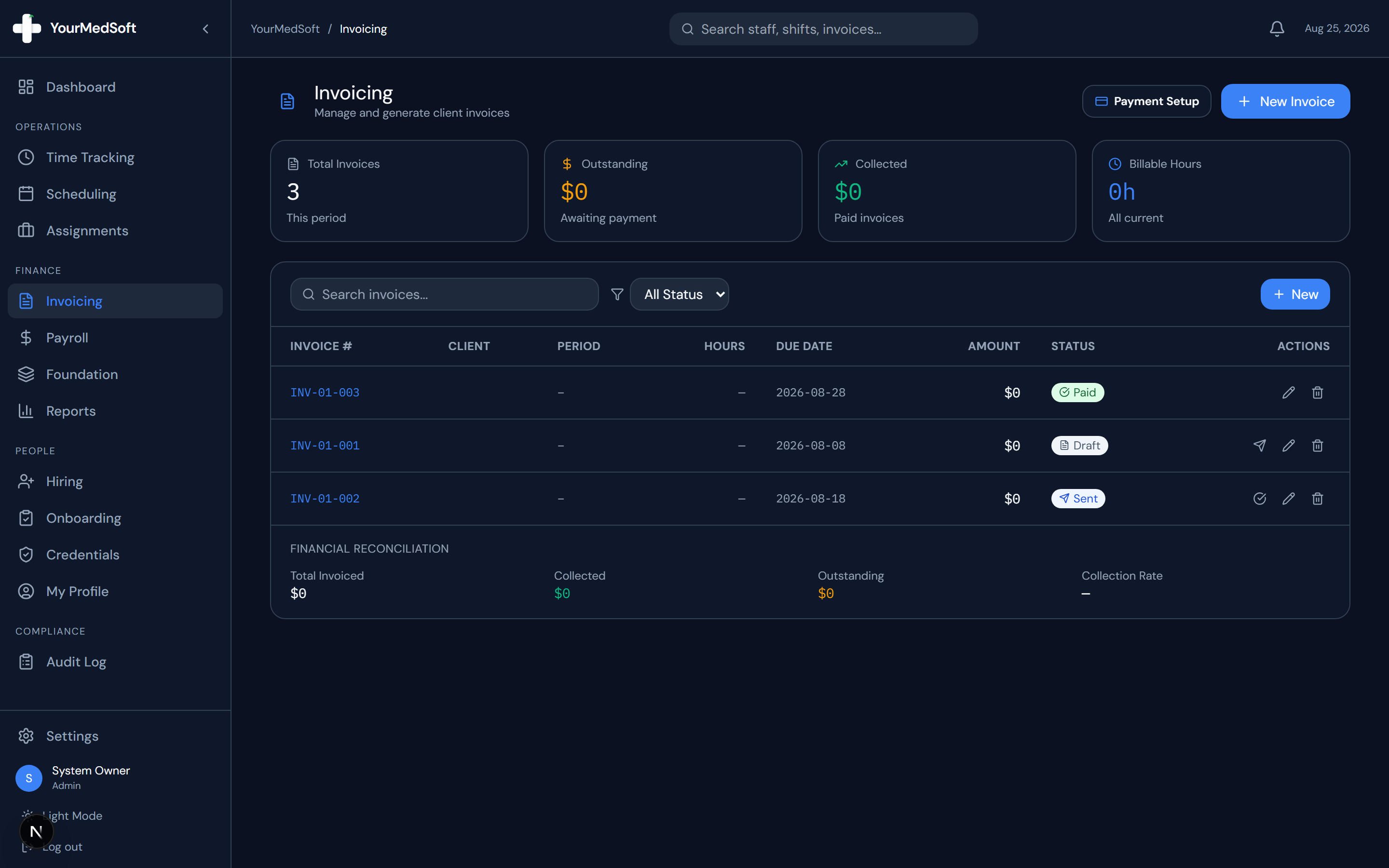
To reconcile VMS billings in YourMedSoft, navigate to Invoicing > VMS Reconciliation, upload the external VMS remittance or timesheet CSV, and let the matching engine compare hours, pay rates, and fee deductions. The system highlights any billing variances instantly.
What You Need Before Starting
- External VMS remittance or approved timesheet export CSV file.
Clinical & Regulatory Compliance Standards
- Maintains full audit trails for third-party healthcare vendor management reconciliation.
Step-by-Step Instructions
Access VMS Reconciliation Module
Go to Invoicing and click the "VMS Reconciliation" tab.
Upload External VMS Report
Upload your weekly CSV export from Fieldglass, Beeline, or ShiftWise.
Turn Approved Timesheets into Invoices in 1 Click
Stop spending days reconciling hours. YourMedSoft auto-calculates overtime, applies facility billing terms, and syncs directly with QuickBooks.
Run Automated Matching Engine
Click "Reconcile Hours". The engine matches clinicians by legal name, shift dates, and hours worked.
Review Variance Flags
Inspect highlighted discrepancies (e.g. unbilled overtime, VMS management fee deductions, or missing punches).
Lock Reconciled Invoices
Confirm matches. Reconciled timesheets are stamped as VMS Verified and locked against duplicate billing.
Pro-Tips & Best Practices
- Configure the VMS vendor management fee percentage (e.g. 3.0%) in the facility profile to automatically factor fees into gross margin calculations.
Troubleshooting & Operational Edge Cases
Issue: Clinician name mismatch between YourMedSoft and VMS portal
Operational Resolution: Use the manual match dropdown in the variance screen to link the worker profiles permanently.
Frequently Asked Questions & Troubleshooting
Can YourMedSoft export timesheets formatted specifically for VMS upload?
Yes. You can export timesheet data formatted to match the column layouts of major VMS platforms.
Was this guide helpful?
Your feedback helps us continuously improve our documentation.
Recommended for Invoicing & Client Billing
Healthcare Facility Master Services Agreement (MSA)
Comprehensive staffing agreement with Net-30 terms, indemnification, and facility rate schedules.
Gross Margin & Spread Modeler
Model VMS transaction fee cuts (2-4%) and facility payment terms on net profitability.
Travel Nursing Staffing Software
Consolidate multi-facility billing with 3-way timesheet matching and 1-click QuickBooks export.