
How do I generate an invoice from approved timesheets?
Automatically pull approved hours into professional invoices, configure client payment terms, apply sales tax, and send invoices.
In YourMedSoft, to generate an invoice from approved timesheets requires navigating to Invoicing & Client Billing in the portal, selecting the appropriate record or facility, and executing the validated workflow steps. The platform continuously validates clinical credentials, checks compliance matrices, and logs all actions to an immutable audit trail.
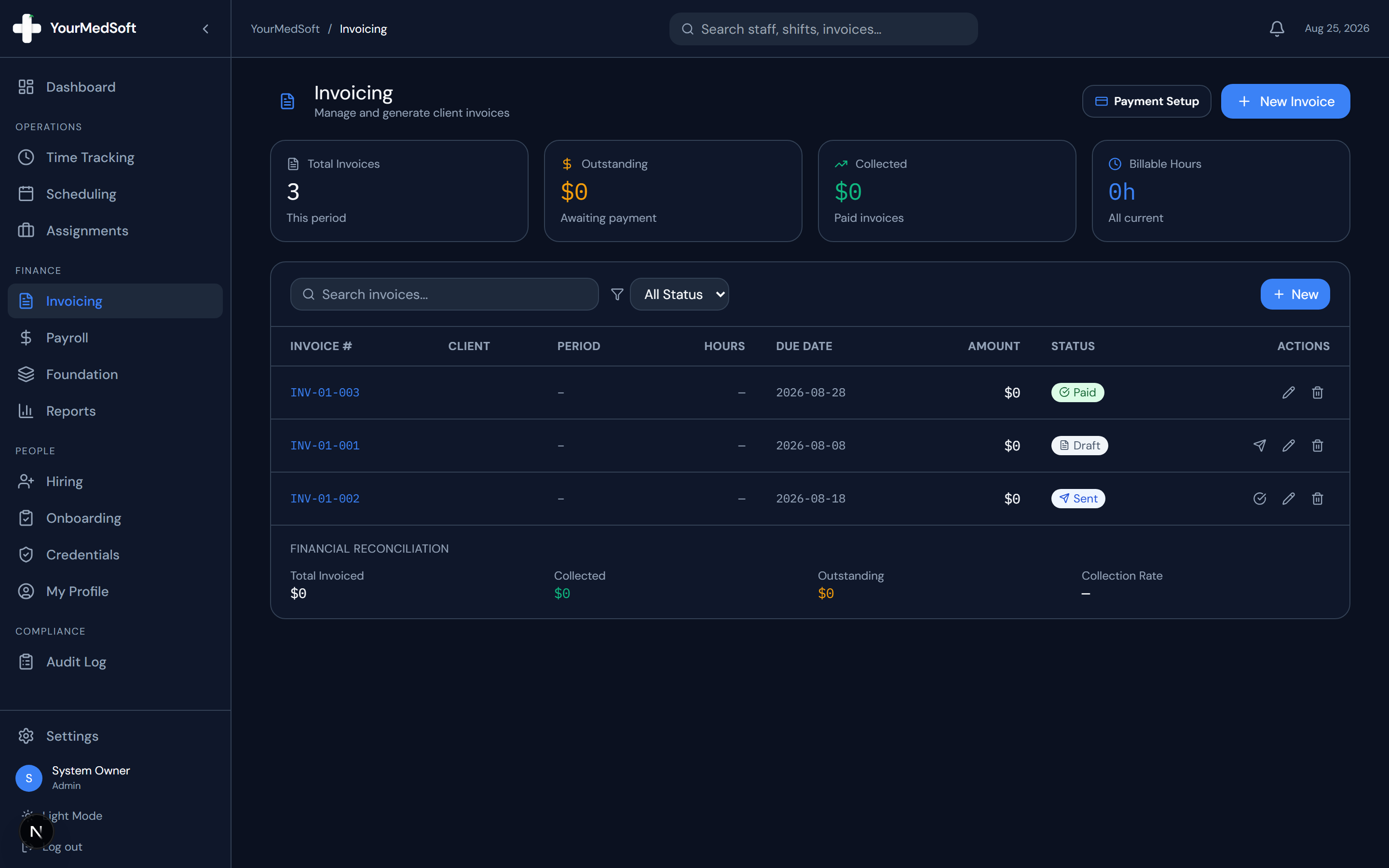
What You Need Before Starting
- Approved timesheets for the target billing period.
- Configured client account in Foundation.
Clinical & Regulatory Compliance Standards
- Conforms to The Joint Commission (HCSS) clinical staffing standards.
- Maintains HIPAA-compliant data encryption and audit logging.
- Enforces state Board of Nursing licensure and clinical scope-of-practice rules.
Step-by-Step Instructions
Open the Invoicing Module
Click "Invoicing" in the left sidebar to view your invoice directory.
Launch the Invoice Builder
Click the blue "Create Invoice" button in the header.
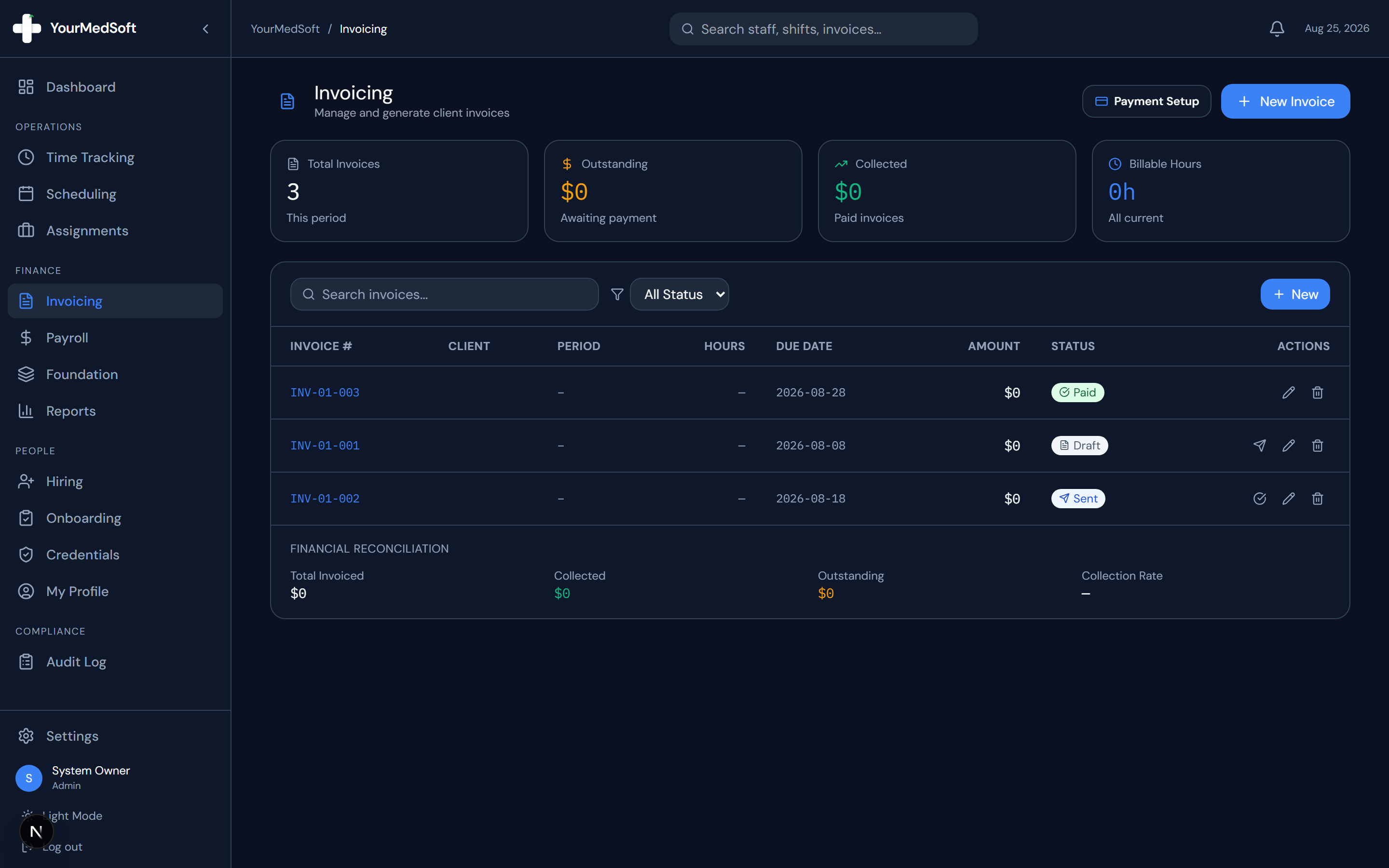
Invoice Builder with integrated client receiving payment methods and line item generator.
Turn Approved Timesheets into Invoices in 1 Click
Stop spending days reconciling hours. YourMedSoft auto-calculates overtime, applies facility billing terms, and syncs directly with QuickBooks.
Select Client and Billing Period
Choose the client facility from the dropdown. The system automatically pre-fills their billing email, physical address, and net payment terms. Select the Period Start and Period End dates.
Import Approved Timesheet Hours
Click "Import Approved Hours". A drawer opens displaying all approved shifts logged during that date range. Click "Select All" or check individual shifts, then click "Import Selected".
Review Line Items and Apply Tax
All imported shifts populate with clinician name, role, date, total regular/OT hours, and bill rates. Enter any applicable sales tax percentage.
Save Draft or Send Invoice
Click "Save Draft" to keep the invoice for later review, or click "Send Invoice" to finalize and deliver the invoice to the client.
Pro-Tips & Best Practices
- You can also click "Add Line" to manually add custom fees, travel reimbursements, or orientation stipends.
- Invoice numbers are automatically generated with year and sequence tracking (e.g., INV-2026-104).
Troubleshooting & Operational Edge Cases
Issue: Assignment or Action Blocked
Operational Resolution: Verify that all prerequisites and credential requirements are satisfied before requesting an Admin override.
Issue: Notification or Alert Delay
Operational Resolution: Check the clinician profile contact details to ensure SMS and email alert preferences are enabled.
Frequently Asked Questions & Troubleshooting
Why are some shifts missing from the import drawer?
Only timesheets with an "Approved" status appear in the import drawer. If a shift is missing, check the Time Tracking module to ensure the timesheet was approved.
Was this guide helpful?
Your feedback helps us continuously improve our documentation.
Recommended for Invoicing & Client Billing
Healthcare Facility Master Services Agreement (MSA)
Comprehensive staffing agreement with Net-30 terms, indemnification, and facility rate schedules.
Gross Margin & Spread Modeler
Model VMS transaction fee cuts (2-4%) and facility payment terms on net profitability.
Travel Nursing Staffing Software
Consolidate multi-facility billing with 3-way timesheet matching and 1-click QuickBooks export.