
How do I configure receiving payment methods (Stripe, PayPal, Bank Wire) for invoices?
Set up your agency payment receiving details including Stripe online checkout links, PayPal business links, ACH/Bank wire instructions, and check remittance addresses.
In YourMedSoft, to configure receiving payment methods (Stripe, PayPal, Bank Wire) for invoices requires navigating to Invoicing & Client Billing in the portal, selecting the appropriate record or facility, and executing the validated workflow steps. The platform continuously validates clinical credentials, checks compliance matrices, and logs all actions to an immutable audit trail.
What You Need Before Starting
- Administrator or Manager permissions in YourMedSoft.
- Your agency banking details or Stripe/PayPal account links.
Clinical & Regulatory Compliance Standards
- Conforms to The Joint Commission (HCSS) clinical staffing standards.
- Maintains HIPAA-compliant data encryption and audit logging.
- Enforces state Board of Nursing licensure and clinical scope-of-practice rules.
Step-by-Step Instructions
Open Settings or Invoicing Payment Setup
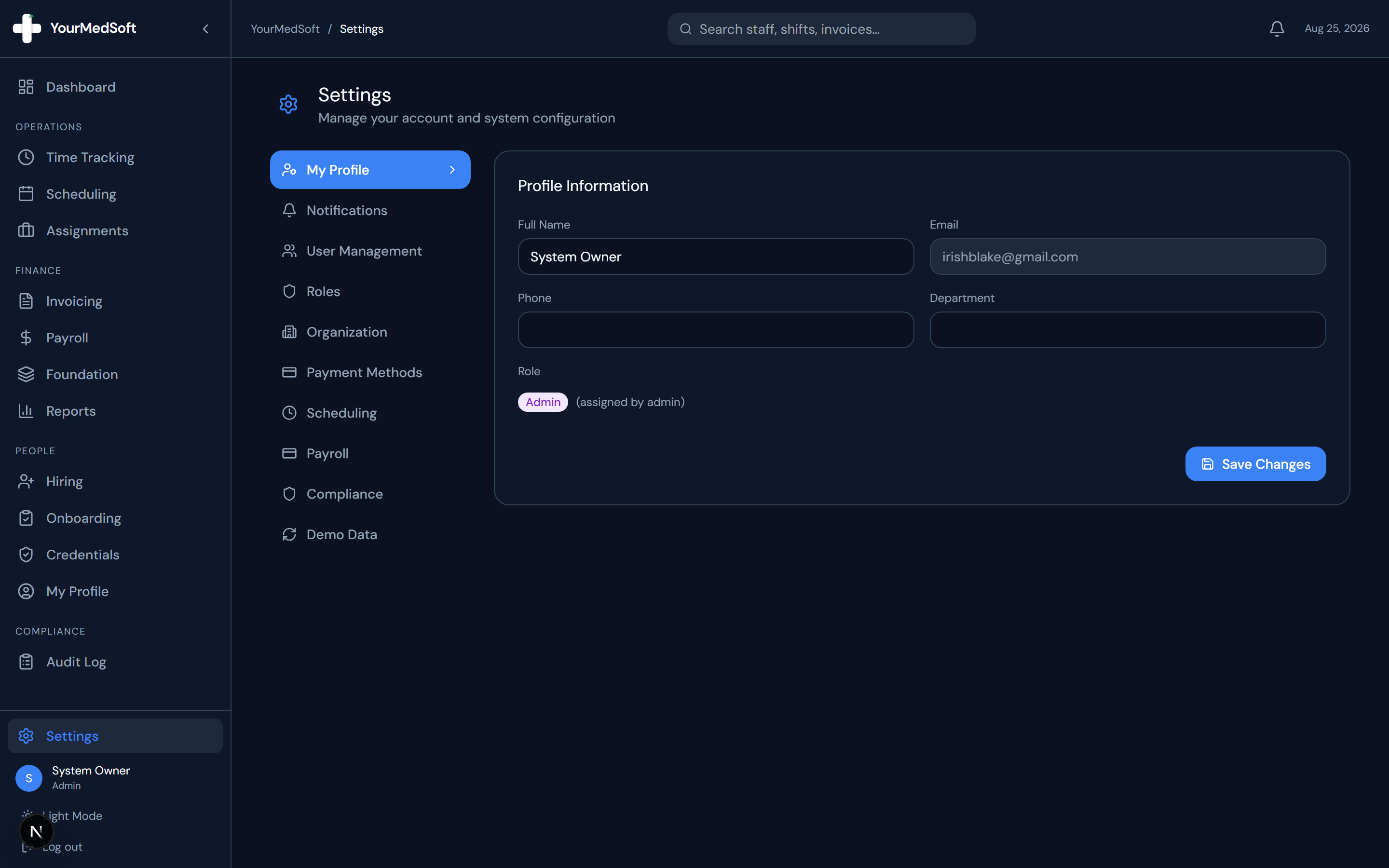
Navigate to Settings > Payment Methods from the sidebar, or click the "Payment Setup" button in the Invoicing header.
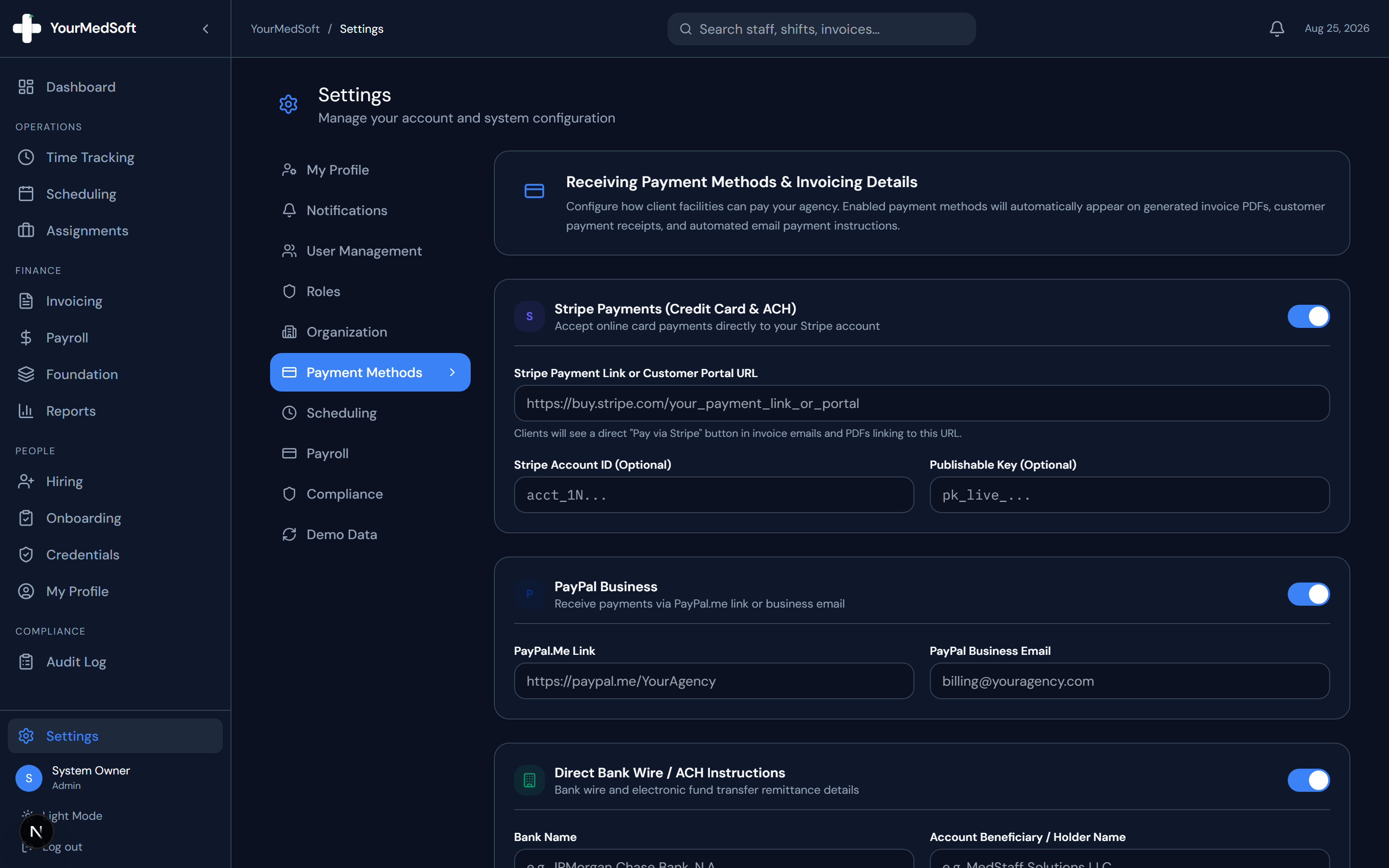
Payment Methods manager with Stripe, PayPal, ACH/Bank Wire, and Check Remittance forms.
Configure Stripe Online Payments
Toggle on Stripe Payments. Paste your direct Stripe Payment Link or Customer Portal URL (e.g. https://buy.stripe.com/...). Optionally enter your Stripe Account ID and Publishable Key.
Turn Approved Timesheets into Invoices in 1 Click
Stop spending days reconciling hours. YourMedSoft auto-calculates overtime, applies facility billing terms, and syncs directly with QuickBooks.
Configure PayPal Business
Toggle on PayPal and enter your PayPal.me link (e.g. https://paypal.me/YourAgency) or your business PayPal email address.
Enter Direct Bank Wire & ACH Transfer Instructions
Toggle on Direct Bank Wire. Enter your Bank Name, Beneficiary Account Name, 9-digit Routing/ABA Number, Account Number, Account Type (Checking/Savings), and SWIFT/BIC code for electronic remittances.
Set Check Remittance & Payment Terms
Toggle on Check Remittance to provide a physical mailing address and "Make Checks Payable To" instructions, along with your default net payment terms note.
Save Payment Configuration
Click "Save Payment Methods". All enabled payment options will automatically appear on generated invoice PDFs and in the automated payment instructions sent with invoice emails.
Pro-Tips & Best Practices
- When client facilities receive their invoice email, they will see direct "Pay Online via Stripe" and "Pay via PayPal" buttons, plus complete bank wire routing information.
- You can preview how payment methods appear on any draft invoice in the Invoice Builder summary sidebar.
Troubleshooting & Operational Edge Cases
Issue: Assignment or Action Blocked
Operational Resolution: Verify that all prerequisites and credential requirements are satisfied before requesting an Admin override.
Issue: Notification or Alert Delay
Operational Resolution: Check the clinician profile contact details to ensure SMS and email alert preferences are enabled.
Frequently Asked Questions & Troubleshooting
Are bank account details visible to all portal users?
No. Payment method configurations are restricted to Administrators and Managers under Settings > Payment Methods.
Can I disable a payment method without deleting the account information?
Yes. Simply toggle the switch off for that payment method card and click Save. The information will be stored but hidden from client invoices.
Was this guide helpful?
Your feedback helps us continuously improve our documentation.
Recommended for Invoicing & Client Billing
Healthcare Facility Master Services Agreement (MSA)
Comprehensive staffing agreement with Net-30 terms, indemnification, and facility rate schedules.
Gross Margin & Spread Modeler
Model VMS transaction fee cuts (2-4%) and facility payment terms on net profitability.
Travel Nursing Staffing Software
Consolidate multi-facility billing with 3-way timesheet matching and 1-click QuickBooks export.